Assembly
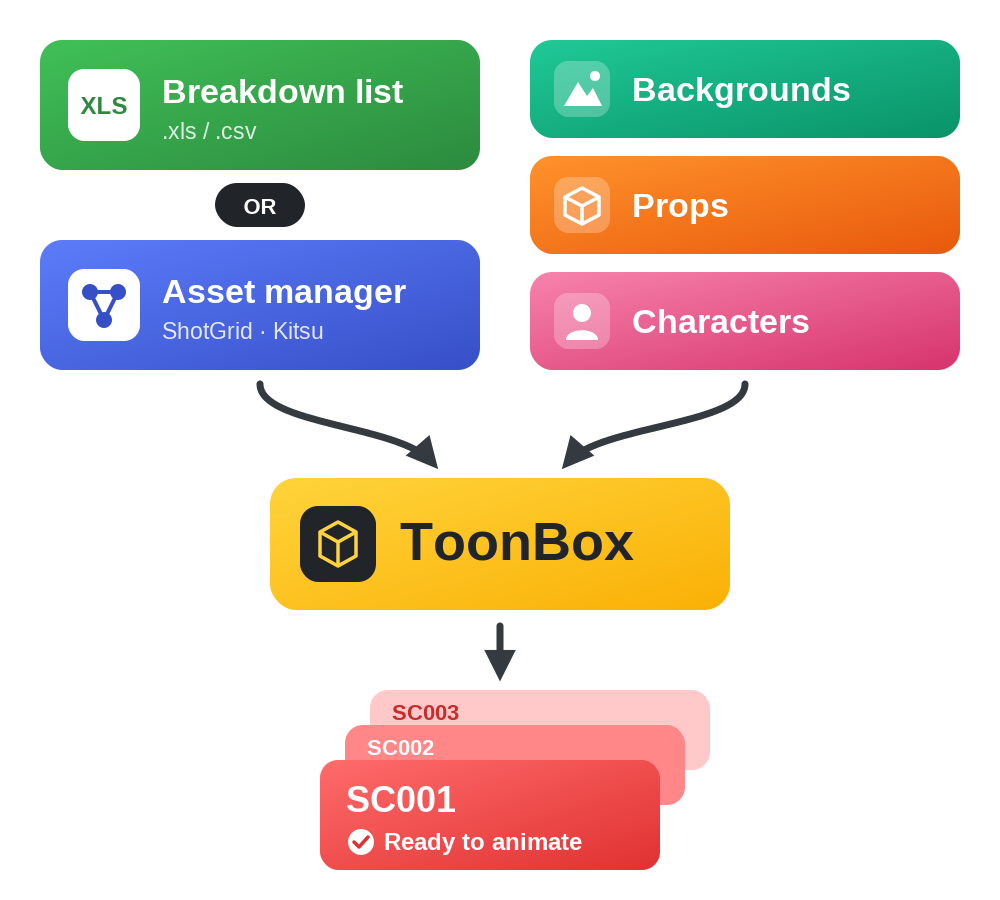
Creates and updates animation scenes from the breakdown list, the animatic or the asset manager, importing pre-production assets according to your rules.

ToonBox · Pipeline tool
Scene creation, export, rendering, rough cuts, publishing: ToonBox chains production tasks into jobs and runs them on whole episodes. Works with Harmony, Animate, After Effects, Photoshop…, connected to ShotGrid, Kitsu, Discord…
In production
Studios from Annecy to Montreal run their productions with ToonBox. Pick a studio to see which productions they used it on.
ToonBox
From background preparation to delivery, ToonBox batch-processes whole episodes, scene by scene, following your production's naming conventions.
Structure
Each operation is a task. You combine tasks into jobs, in sequence or in parallel, to describe a complete step of your pipeline. A job is saved, replayed on every episode and can run on its own in Scan mode, processing every file dropped into a folder.
Prepare the backgrounds of an episode
Creates and updates animation scenes from the breakdown list, the animatic or the asset manager, importing pre-production assets according to your rules.
Exports animation and backgrounds as separate elements for compositing: PSD layers to PNG, background conformation, layout BG extraction from a reference background, collecting an After Effects project.
Renders animated or composited scenes, as dailies or finals: image sequences, sound, thumbnails, scene name burned in.
Batch-edits existing scenes: resolution, layers, nodes, colours, element removal. Runs your scripts and checks file compliance.
Builds an episode's rough cut, taking the most advanced version of each scene: animatic, animation or compositing.
Publishes files to the asset manager, updates statuses and versions, creates playlists, fetches scene lists and latest versions, and notifies the team on Discord.
Split an animatic into scenes from an EDL, convert videos, build a video from an image sequence and a sound file, make a slideshow, rename with regular expressions, copy, zip, gather files for delivery or archiving…
Designed for animated series, ToonBox also works on feature films.
The installer fetches the latest version. User manual (French)
Free for schools and personal use · Studios: billed per scene
Pricing
Every pipeline is different. ToonBox is provided as a service: study, adaptation, installation and follow-up in your pipeline are included.
The cost depends on the number of scenes processed, not on the length of the production, with a maximum of €2 per scene.
Request a quote| Task | Price per scene |
|---|---|
| Background export from Photoshop | €0.05 – €0.10 |
| Animation scene assembly | €0.50 – €1.00 |
| Scene export | €0.30 – €0.60 |
| Renders for post-production | €0.10 – €0.20 |
| Scene import for compositing | €0.40 – €1.00 |
Prices vary with the size of the production and any specific development your pipeline requires. Your quote states the exact price per scene for your project.
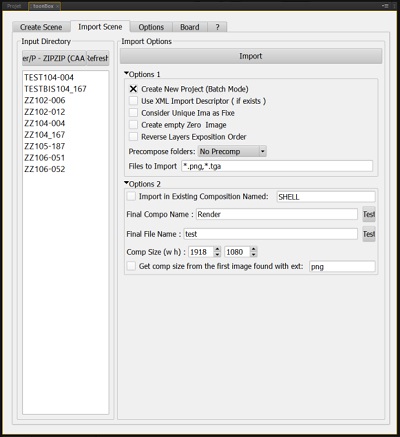
After Effects plug-in: creates the project from the animatic or the breakdown list and imports scenes and assets.
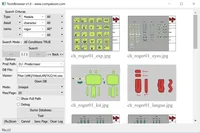
Search engine for a production's assets: scans the production tree, automatically tags every file and makes it easy to reuse scenes and assets.
Included in the CompaToon installer · Documentation (French)
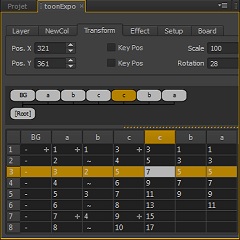
Exposure sheet (dope sheet) built into After Effects (Windows).